Blurt Board
Your sounds, one tap away
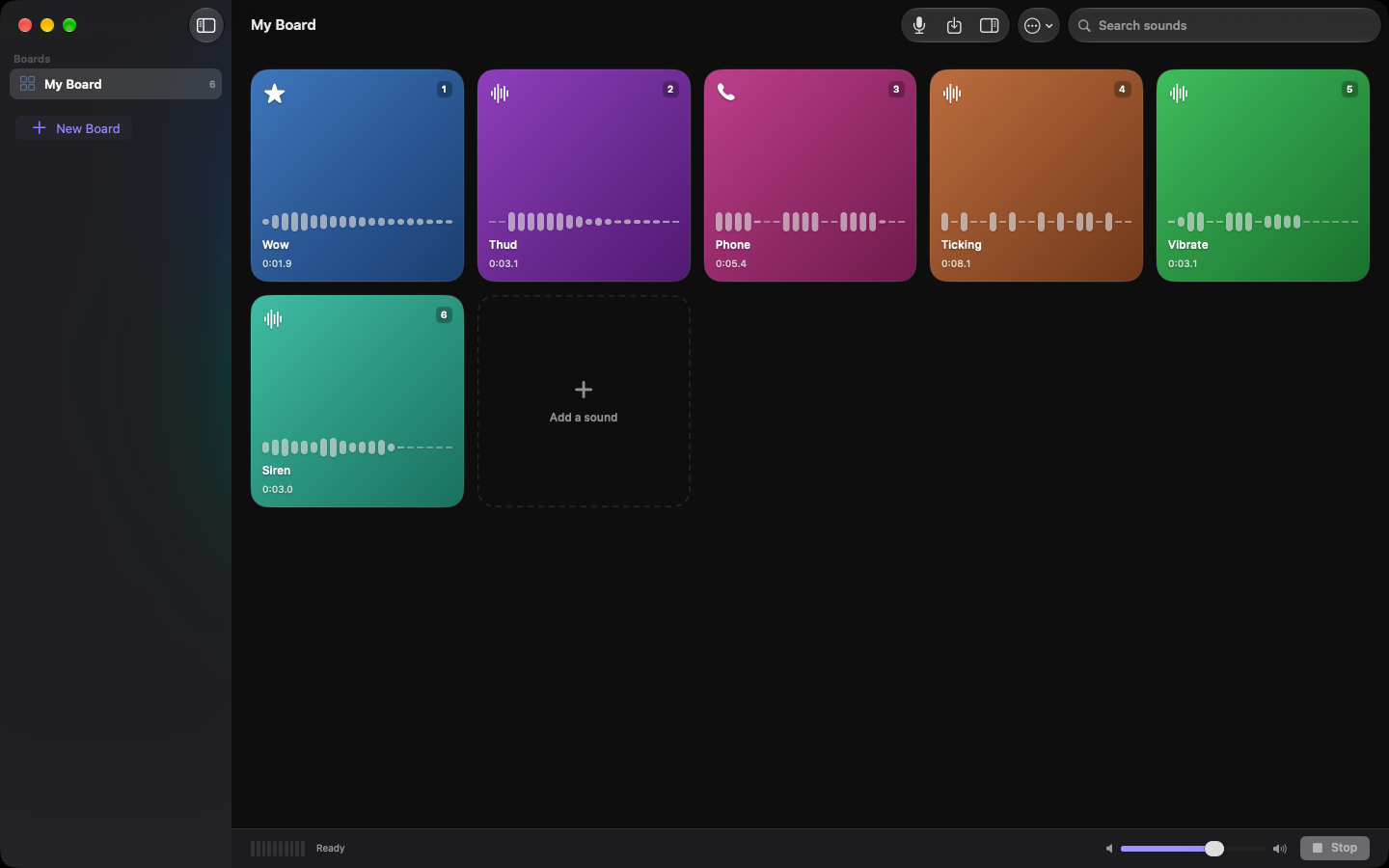
A soundboard for iPhone, iPad, Mac and Apple Watch. Bring in audio you already have or record something new, shape it with effects, and fire it with one tap.
Free, for iPhone, iPad and Apple Watch. The Mac version is with Apple for review.
Anything plays
mp3, m4a, wav, aiff, caf — if your device can decode it, Blurt can use it. Drag files straight onto the board on Mac and iPad.
Record on the spot
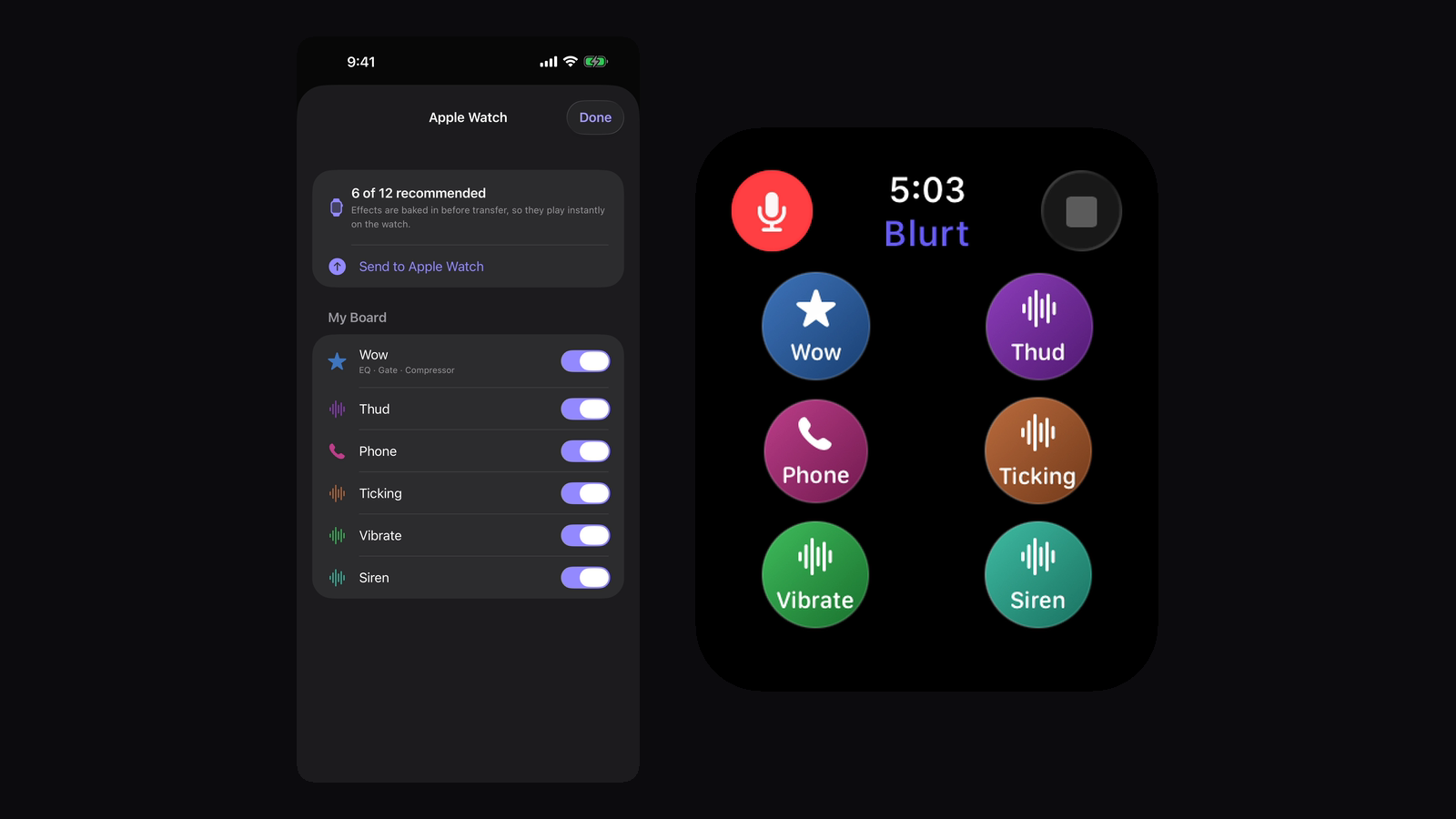
Hit the microphone and the take lands on a pad. On Apple Watch you can record on your wrist and send it to your iPhone.
Shape the sound
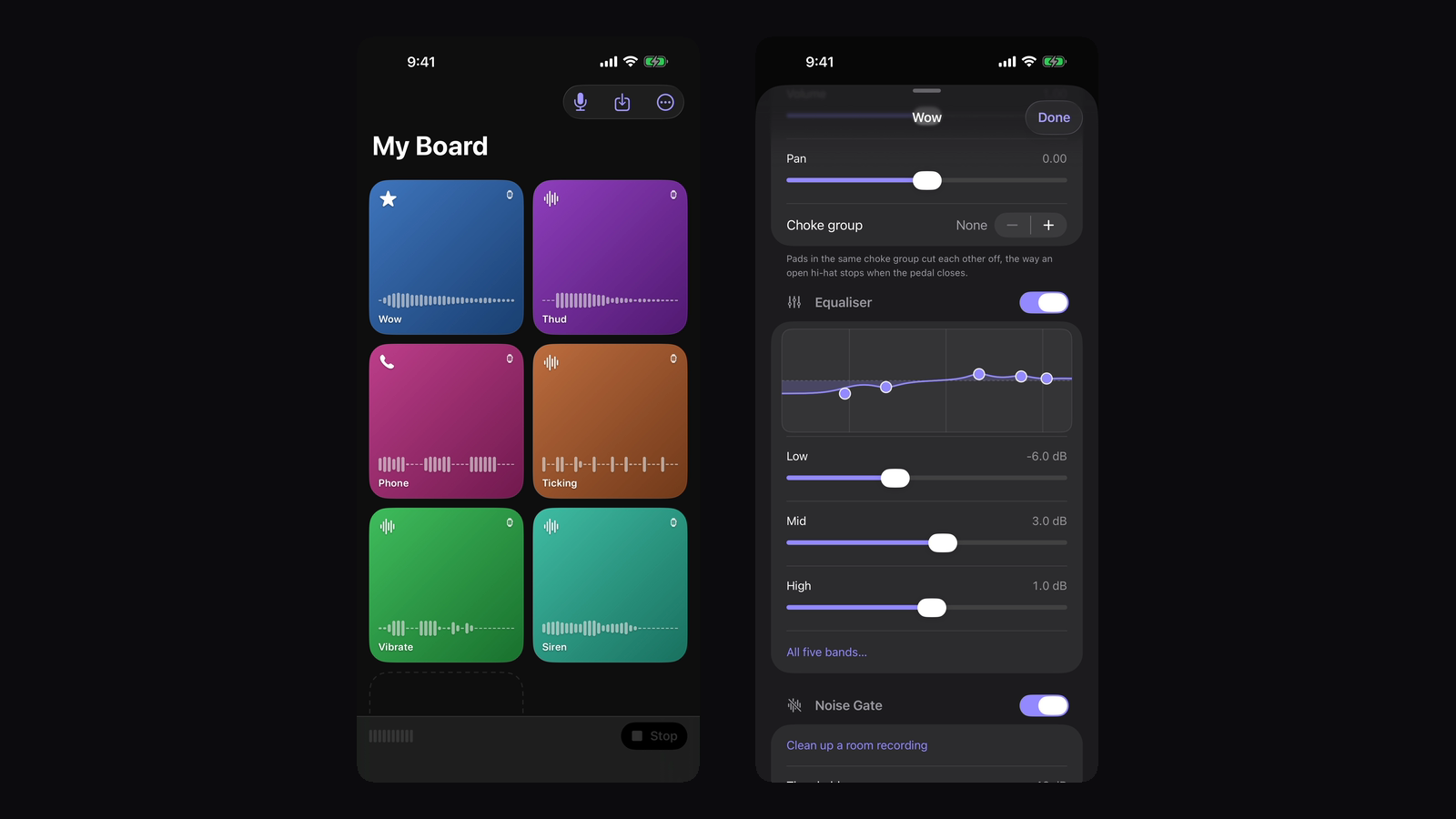
EQ, reverb, delay, pitch, speed, distortion, compression, chorus, flanger and a gate. Reverse it, trim it, normalise it — your original file is never touched.
Four ways to fire
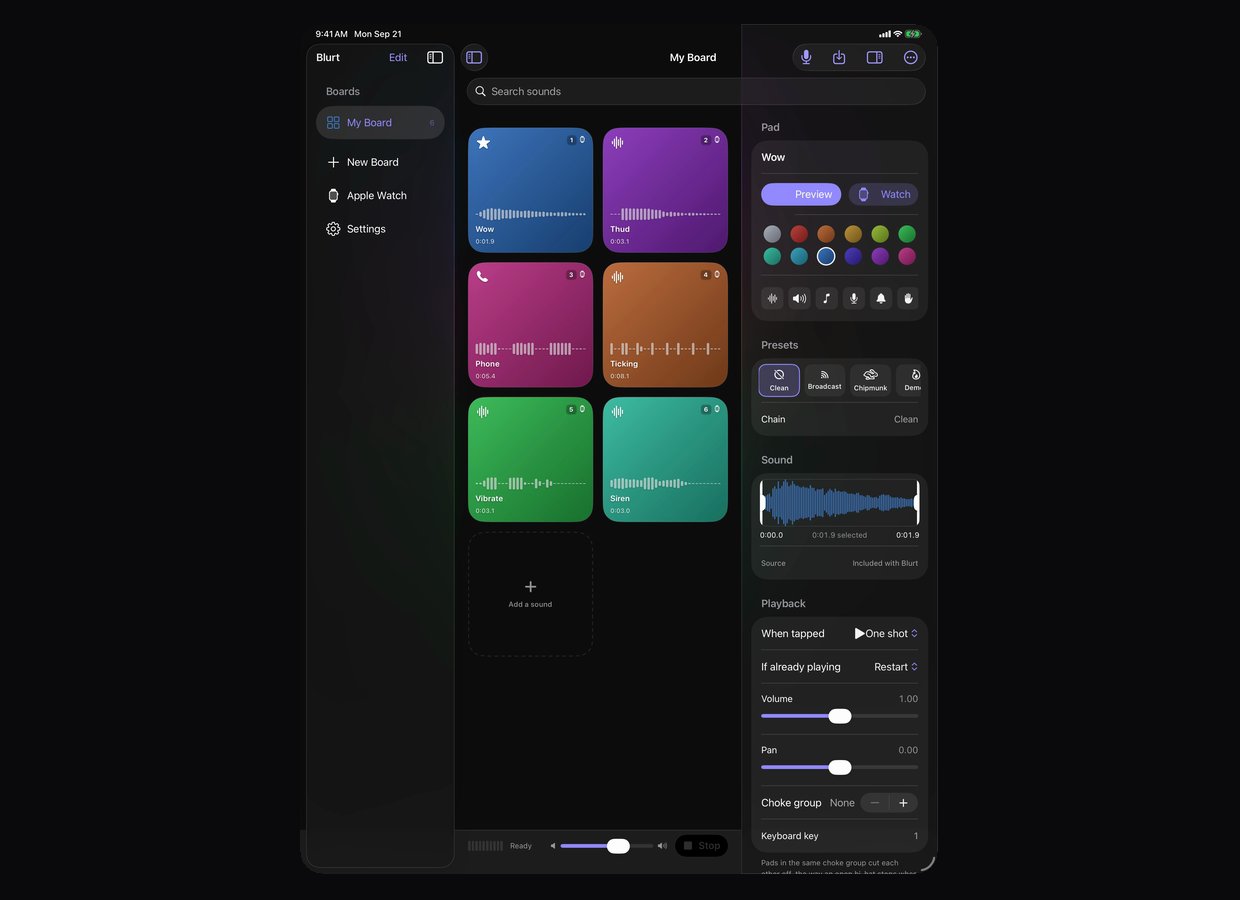
One shot, hold, toggle or loop, set per pad. On Mac and iPad the keyboard plays the board like a sampler.
Everywhere at once
Turn on iCloud Drive and the same boards appear on every device, each laid out for the screen it is on.
Without the window
On Mac it lives in the menu bar too, so a pad can go out mid-call without anything coming to the front.
On every screen
The same boards on each device, laid out for the screen they are on rather than scaled to fit.
Free, and quiet about it
Blurt costs nothing, shows no ads and locks nothing behind a purchase. There is a tip jar at the bottom of Settings if you want to leave something, and it unlocks precisely nothing.
It also collects nothing. There is no network code in the app at all — no accounts, no analytics, no tracking. See the privacy policy for the detail.
Help
The support page covers the common questions, or write to blurtboard.app@gmail.com.